
Free AI Face Swap
Swap faces in photos, videos, GIFs, and group images with DreamHour’s AI face swap tool for free. No sign up required
Select original image
Drag or select, Ctrl + V to paste
Swap with
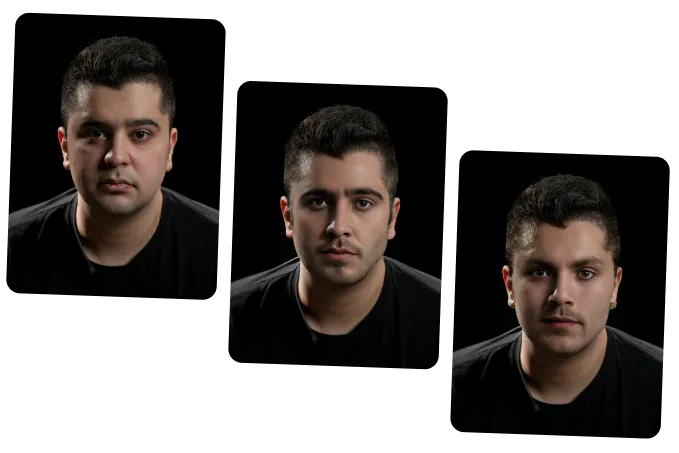
Some Examples of Our AI Face Swapper Tool


How to Use Free AI Face Swap Tool
Upload Your Photo, Video, or GIF
Choose the image, video, or GIF you want to edit. DreamHour’s AI will detect the visible faces and prepare your file for face swapping.
Add the Face You Want to Swap
Upload a clear face photo or select the face you want to use. For better results, use a bright, front-facing image where the face is easy to see.
Generate and Download
Click 'Swap' and let the AI create your face swap. Preview the result, then download your final photo, video, GIF, or multi-face swap.
Create Face Swaps That Look Natural and Shareable
Realistic Photo Face Swap
Swap faces in photos while keeping the final image clean, natural, and easy to use. The AI helps blend the new face with the original photo, so the result looks more polished than a basic copy-and-paste edit.
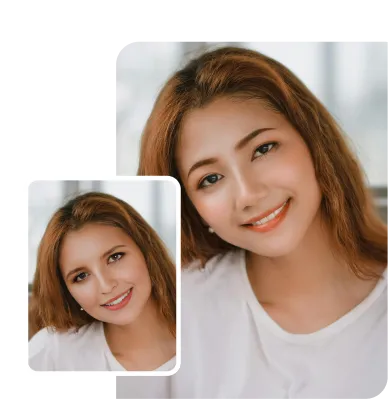
Smooth Video Face Swap
Replace faces in short videos while keeping the swapped face aligned with movement, angles, and expressions. This helps create more natural face swap videos for clips, reactions, and social content.
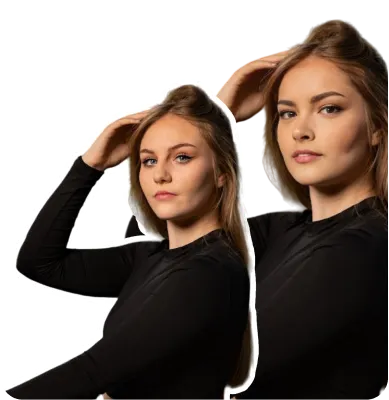
Smart Face Detection
The AI detects visible faces in your uploaded media, making it easier to choose the face you want to replace. This helps with single-face images, group photos, videos, and GIFs.
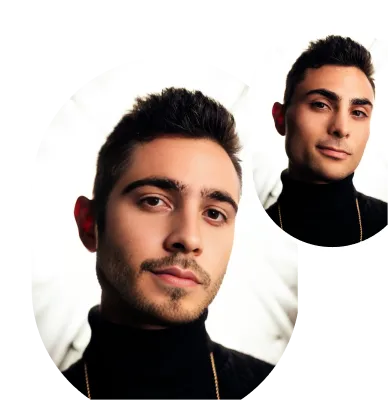
GIF Face Swap
Turn animated GIFs into personalized face swap edits. Upload a GIF, add the face you want to use, and create funny reaction loops, meme-style animations, and shareable moving edits.
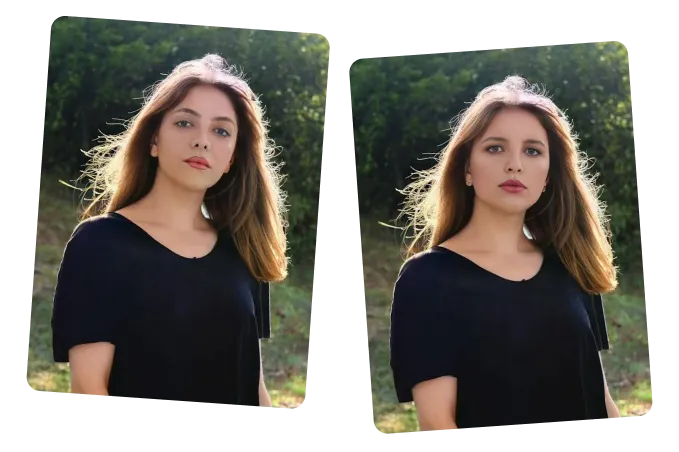
Multiple Face Swap
Swap more than one face in the same image. This is useful for group photos, team pictures, family images, events, and fun edits where several faces need to be changed at once.
Creative Ways to Use Face Swap
Social Media Posts, Memes, and Reactions
- Create funny face swap photos for Instagram, TikTok, Reddit, and Discord.
- Turn normal images into memes, reaction posts, and shareable edits.
- Make short face swap clips for Reels, Shorts, and group chats.
Profile Pictures, Avatars, and Creative Looks
- Create unique profile pictures, gaming avatars, and display photos.
- Swap your face into different styles, scenes, outfits, or characters.
- Make creative edits without using Photoshop or manual editing tools.
Group Photos, Events, and Fun Edits
- Swap one or multiple faces in family, office, class, or team photos.
- Fix awkward expressions, closed eyes, or funny group photo moments.
- Create playful edits from parties, events, trips, and shared memories.
Videos, GIFs, and Entertainment Content
- Make AI face swap videos from short clips.
- Create animated GIF face swaps for reactions, memes, and replies.
- Turn simple media into fun, personalized entertainment content.